How to cut no-shows without double-booking your schedule
Every missed appointment costs a practice twice: the slot earns nothing, and the patient who needed it waits longer for the next one. The usual fixes are a new scheduling product or blunt overbooking. Both can work, but neither should come first.
Start by pulling ninety days of appointments and counting the no-shows by visit type, day of week, lead time and provider. That one sheet is your baseline. Write the overall rate down; you will want it later.
Find out which visits go missing
No-shows are rarely spread evenly. They tend to cluster in visits booked far ahead, in follow-ups the patient did not ask for, in early-morning and Monday slots, and among new patients who have not met anyone at the practice yet. Once you see where yours cluster, the fixes stop being guesses. A systematic review of no-show research found long lead times and a history of missed visits among the most commonly reported predictors.
-
Sort by lead time
Compare the no-show rate for visits booked within a week against those booked a month or more out. If the long-lead visits miss far more often, your reminders and your booking horizon matter more than anything else on this list.
-
Check your reminders actually arrive
Send yourself a test appointment. Confirm the text or call arrives, at a sensible time, with the right date, location and a way to cancel. Broken templates and stale phone numbers are more common than anyone admits.
-
Ask for a confirmation, not just a reminder
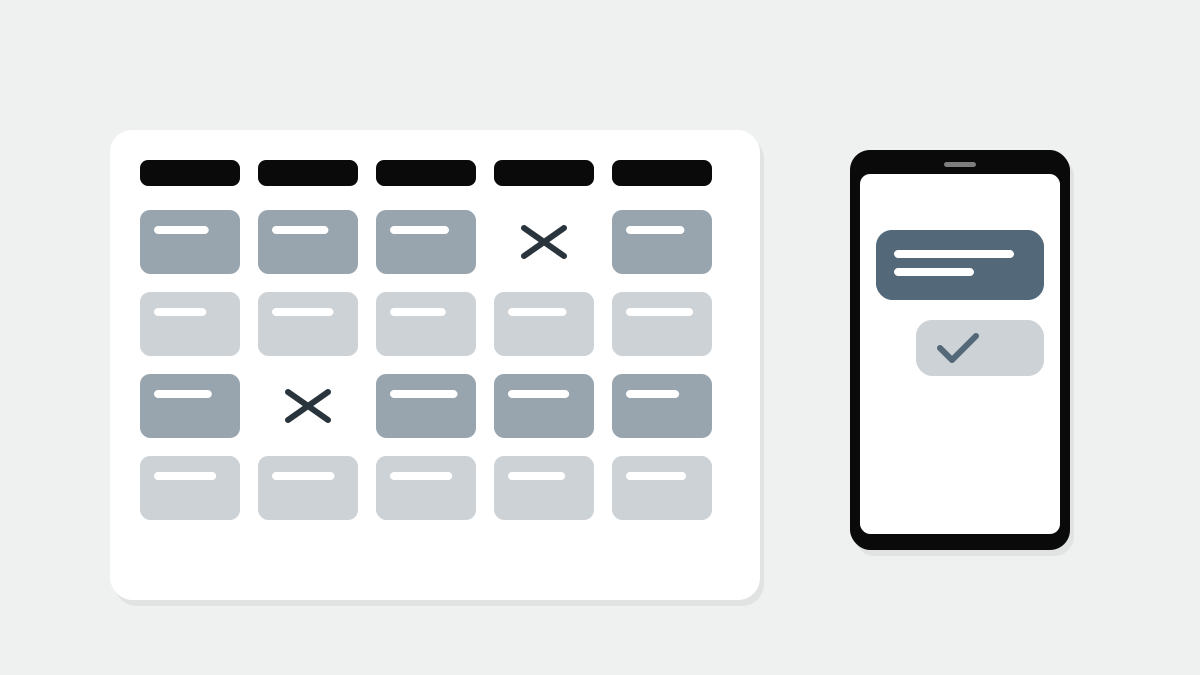
A message the patient has to answer, by replying or tapping a link, tells you two days ahead which slots are at risk. Unconfirmed visits get a call from the front desk the day before.
-
Make cancelling easy
A patient who cannot reach you to cancel simply does not come. A reply-to-cancel option turns a no-show into a slot you can still fill.
-
Keep a short-notice list
Keep a list of patients who want an earlier slot and can come at short notice. When a cancellation lands, the front desk works the list before the slot goes empty.
Why reminders beat penalties
Missed-appointment fees and discharge policies feel decisive, but they are hard to apply fairly and easy to resent. Many practices keep a written policy for repeat no-shows and lean on it rarely. Check what your payer contracts and local rules allow before charging anything, and apply the policy the same way to every patient.
We stopped arguing about the fee and started calling the unconfirmed list at four o'clock. The empty slots mostly went away.
Overbook only where the data says so
Overbooking is a reasonable last step, not a first one. Done across the board, it fills waiting rooms on the days everyone turns up. Done narrowly, adding one extra slot only to the visit types and times with a steady, measured no-show rate, it recovers lost capacity without punishing the patients who arrive.
Re-measure after a month
Run the same ninety-day count again after a month of changes. Same visit types, same method. If you cannot see a difference without squinting, revisit the lead-time check first.
Most practices find the biggest gains in the dullest places: a reminder that never sent, a phone line nobody answers, a follow-up booked six weeks out for a patient who felt fine. Even plain reminders earn their keep: a Cochrane review of text message reminders found they improved attendance compared with no reminder. Fix those, and the expensive options often become unnecessary.
The same front-desk discipline pays off elsewhere. Confirming coverage and contact details when the reminder goes out also heads off many claim denials, which often start at scheduling and check-in. If you are weighing a new scheduling tool, the questions about data export and outages in choosing between a cloud EHR and a local server apply here too. And count the staff hours you free up, because new services such as remote patient monitoring depend on staff time as well.
TL;DR If you only remember this
- Count ninety days of no-shows by visit type, lead time and day before changing anything.
- Test your reminders end to end, then ask patients to confirm rather than just notifying them.
- Make cancelling as easy as booking, and keep a short-notice list to refill freed slots.
- Overbook only the visit types and times with a measured, steady no-show rate.
About the writer
Ana Petrovic
Practice and revenue editorAna Petrovic edits the practice and billing desks. Before writing about clinics, Ana spent a decade running operations and the revenue cycle for a group of outpatient practices, and still starts every story by asking what happens at the front desk on a Monday morning.
More from Ana →