Cloud EHR or a server in the closet: what a small practice should weigh
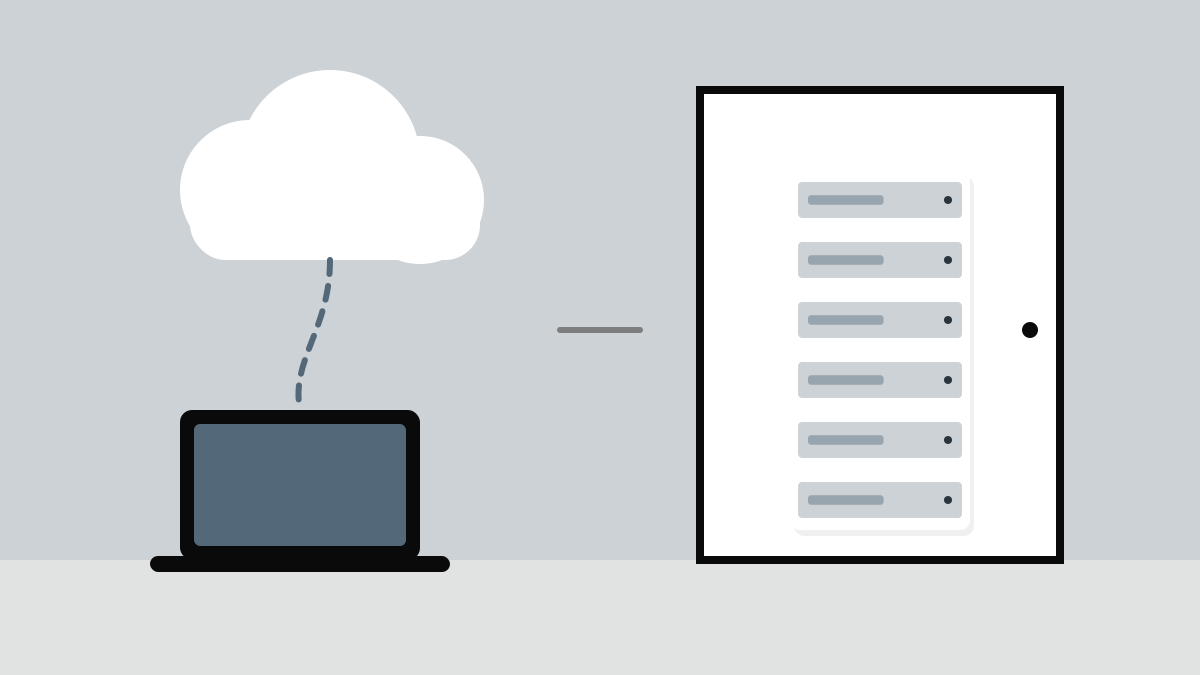
Most electronic health record products a small practice will look at today are sold as cloud services, but locally hosted systems have not disappeared, and some practices still run one on a server down the hall. The choice is less about technology than about who carries which job.
The two models side by side
| Cloud-hosted EHR | Locally hosted EHR | |
|---|---|---|
| How you pay | A subscription, usually per provider per month | Licences up front, plus hardware and support contracts |
| Who runs the servers | The vendor | You, or an IT company you hire |
| Backups and updates | Handled by the vendor; confirm how and how often | Your job to schedule, run and test |
| When the internet drops | Access stops unless there is an offline mode | Works inside the building |
| Security | Shared: vendor secures the platform, you secure devices and logins | Almost entirely yours |
| Customization | Within what the vendor allows | Often more, at the cost of harder upgrades |
Count the whole cost, not the sticker
A subscription looks expensive next to a one-time licence until you add the server, its replacement every few years, backup storage, a battery backup, the IT contract and the hours someone in the office spends being the IT contract. Put both options on a five-year sheet before deciding.
Our server was cheap until the night it died. After that it was the most expensive thing in the building.
Ask the questions that decide it
Whichever model you lean towards, the questions that matter are the same: how you get all of your data out if you leave, in what format and at what cost; what happens to the schedule during an outage; who signs a business associate agreement; and which interfaces, to your lab, imaging and billing service, are included rather than quoted separately.
Pros
- Cloud suits practices without IT staff: no servers, predictable monthly cost
- Local hosting keeps working during an internet outage
- Either can be secure when the responsibilities are clear and actually met
Cons
- Cloud makes your internet connection a single point of failure; budget for a backup line
- Local hosting puts backups, patching and hardware failure on you
- Leaving either vendor is harder if the data export terms were never agreed
TL;DR If you only remember this
- Cloud shifts servers, backups and updates to the vendor; local hosting keeps them with you.
- Compare five-year total cost, including hardware, IT support and staff time.
- Plan for outages: a backup internet line for cloud, tested backups for local.
- Agree data export, interfaces and the business associate agreement before you sign.